Welcome
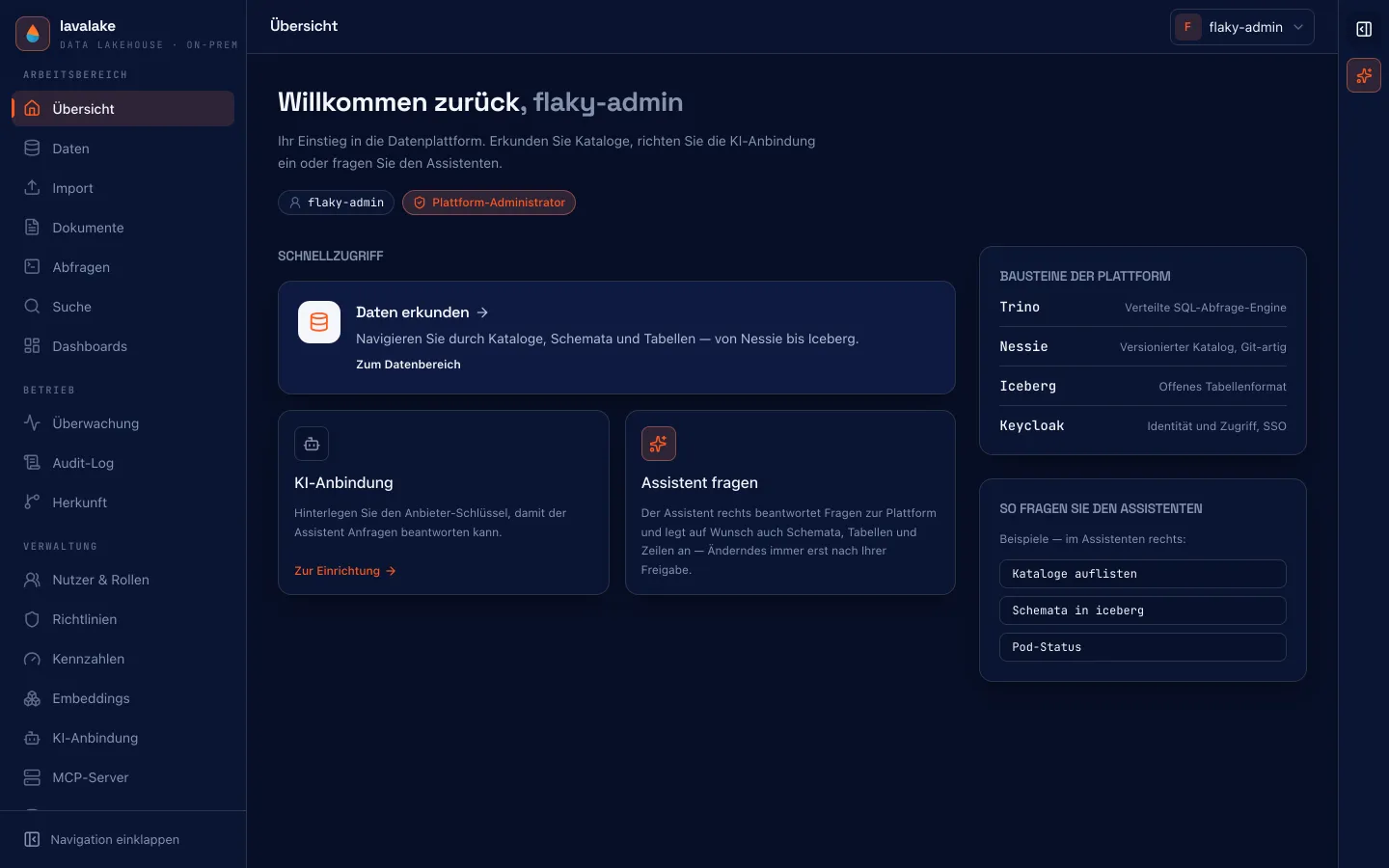
lavalake is a data lakehouse for your own data center. Everything you would otherwise rent as a cloud service — storage, query engine, ingestion, a semantic layer, search, governance and an AI assistant — runs here as one installation on your own hardware.
On this page
New in everyday work
A unified upload accepts Excel, CSV and documents. Pyro shows charts in chat and helps build branching lavaflows. AI functions in SQL, table streams and PostgreSQL CDC extend analytics and data processing.
The shortest comparison: “Snowflake on your own hardware”. The lakehouse runs on your infrastructure, and data queries use each caller’s identity. External AI providers receive conversation content and tool results used by the assistant; local language and embedding models can keep those contents on your own network too.
What it is built for
For organizations that cannot hand their data to a public cloud for legal, contractual or commercial reasons — and that still do not want to assemble and operate six open-source projects themselves. Iceberg, a catalog, a query engine, an identity layer, an authorization model and a user interface: lavalake ships those layers as one product behind a single reverse proxy.
What the installation contains
| Area | Capability |
|---|---|
| Query & search | A SQL worksheet over Trino, a semantic layer of curated metrics and multi-table views, plus vector, keyword and hybrid search backed by a local embedding model — no cloud key required. Working copies allow the data to be reset to an earlier state, reversibly. |
| Ingestion | Excel, CSV and DATEV file import with a cleaning assistant, PostgreSQL, MySQL, Microsoft SQL Server, SAP Business One and S/4HANA, document ingestion, MCP ingestion and a fileshare crawler. The new SAP and DATEV integrations still await tests with real systems or export files. |
| BI connectivity | A read-only, governance-preserving HTTP feed for Tableau and Power BI — and any other tool that reads JSON or CSV over HTTP GET. Off by default. |
| Governance & operations | Delegated identity through Keycloak, row-access and column-masking policies inside Trino, a hash-chained WORM audit log, data lineage and access history, table and column classification, usage with daily quotas and AI prices. In Compose: daily database backups, scheduled Iceberg maintenance and role-based workload classes. |
| AI assistant | A built-in agent that acts with your delegated rights — through curated tools, every action audited, mutating steps only after confirmation. |
The founding decision: no service account
This is where lavalake differs from most self-built lakehouses: there is no technical user that may do everything. Every SQL statement — from the worksheet, from search, from a dashboard, from the BI feed or from the AI assistant — runs with a token exchanged for the signed-in user. What Trino allows that user is the boundary.
Search honors this too: the vector index is only an index. Matches are re-fetched from Trino under your identity before they are shown — so a row hidden by policy never surfaces in search results either.
Language of the interface
The console and all product-facing text are in German. This documentation exists in both languages; menu items are named as they appear in the console, with an English translation in parentheses.
Where to go next
- Architecture — which service does what, and how they fit together.
- Quick start — the whole platform on one machine, using Docker Compose.
- The console — a tour of the working areas.
- Operating Compose — Ansible, schedules, backups and workload classes.
State of this documentation
The feature overview and roadmap were checked against v0.201.0 on October 17, 2026. The remaining pages state their own, in places older verification version — deliberately so, rather than claiming a current state for all of them. Shipped functionality and outstanding real-system tests are identified separately; Compose and Helm have different operational coverage.
Applies to: This page describes lavalake 0.78.0. Product and documentation live in separate repositories — when in doubt, what the console shows is authoritative.
Something missing?
If these pages do not answer your question, we will walk through the platform against your own case in half an hour.
Book a demo